Release & Deploy Guide
BackboneLoading handover guide…
Play Store Asset Bundle — e-IMNCI
e-IMNCIApp Icon (512 × 512 px)

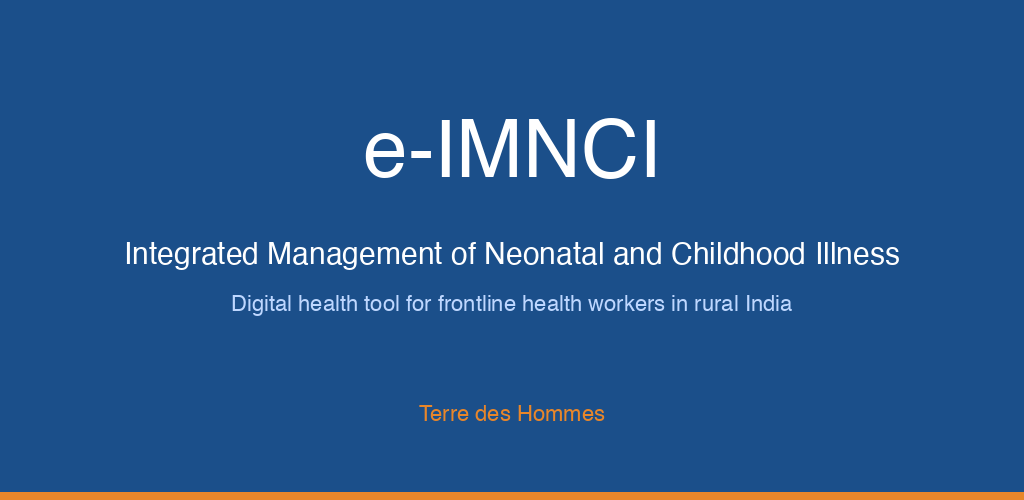
Feature Graphic (1024 × 500 px)
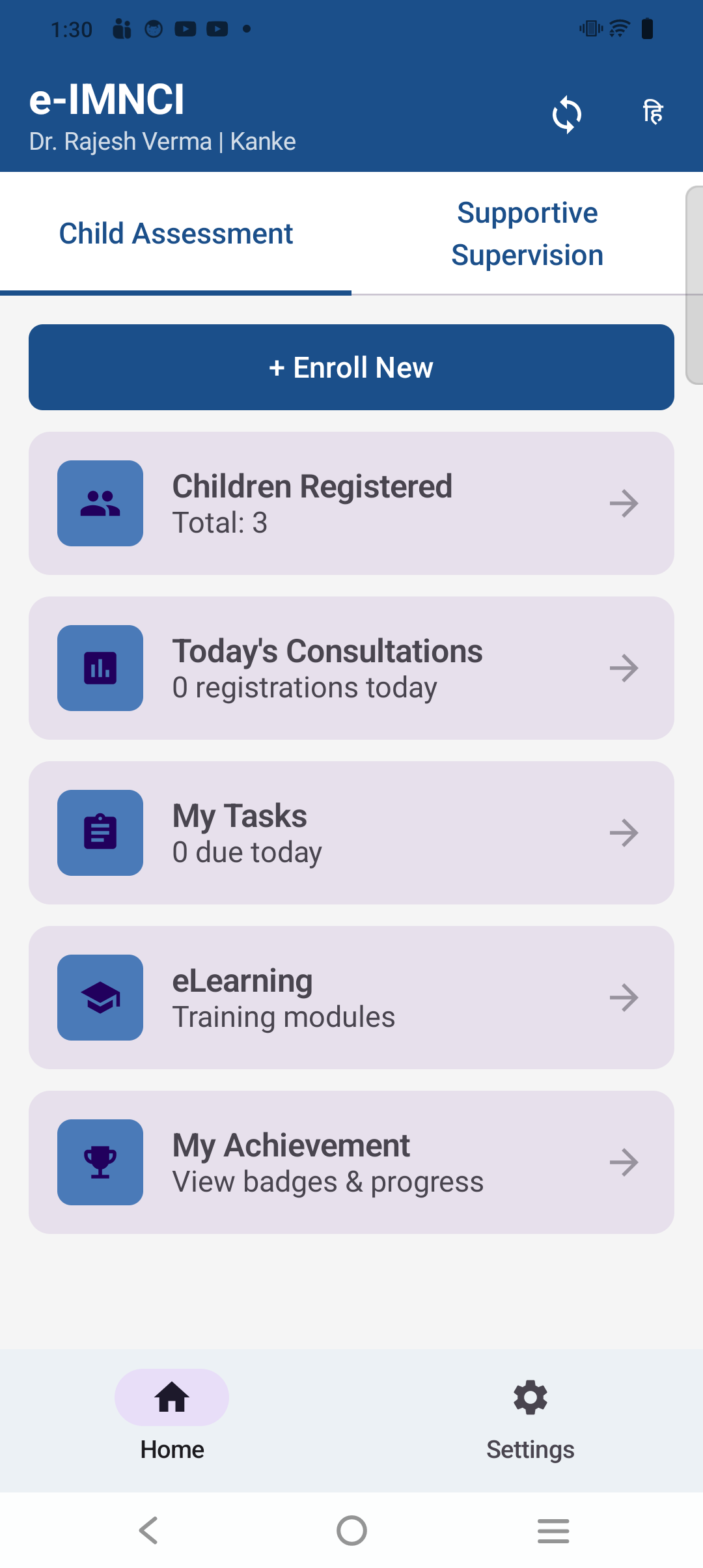
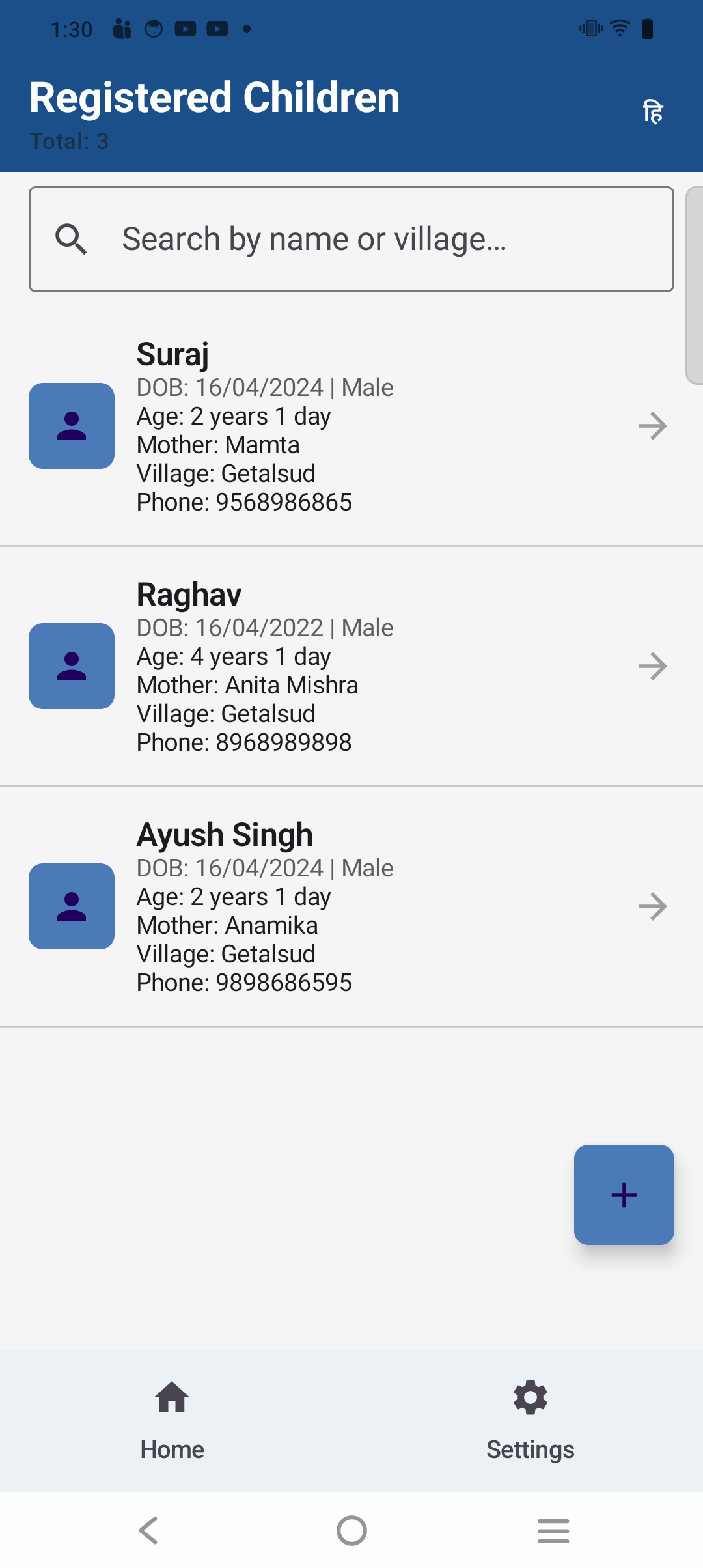
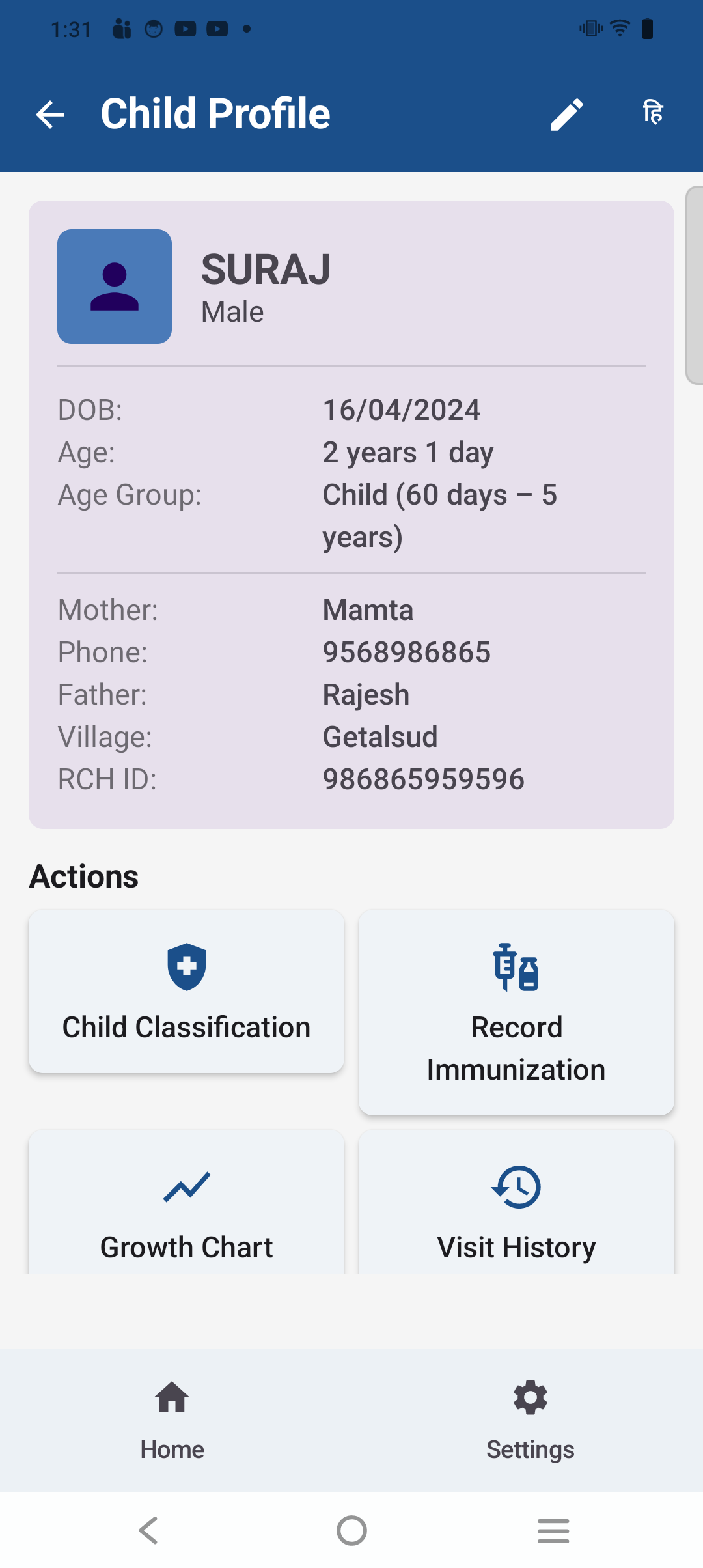
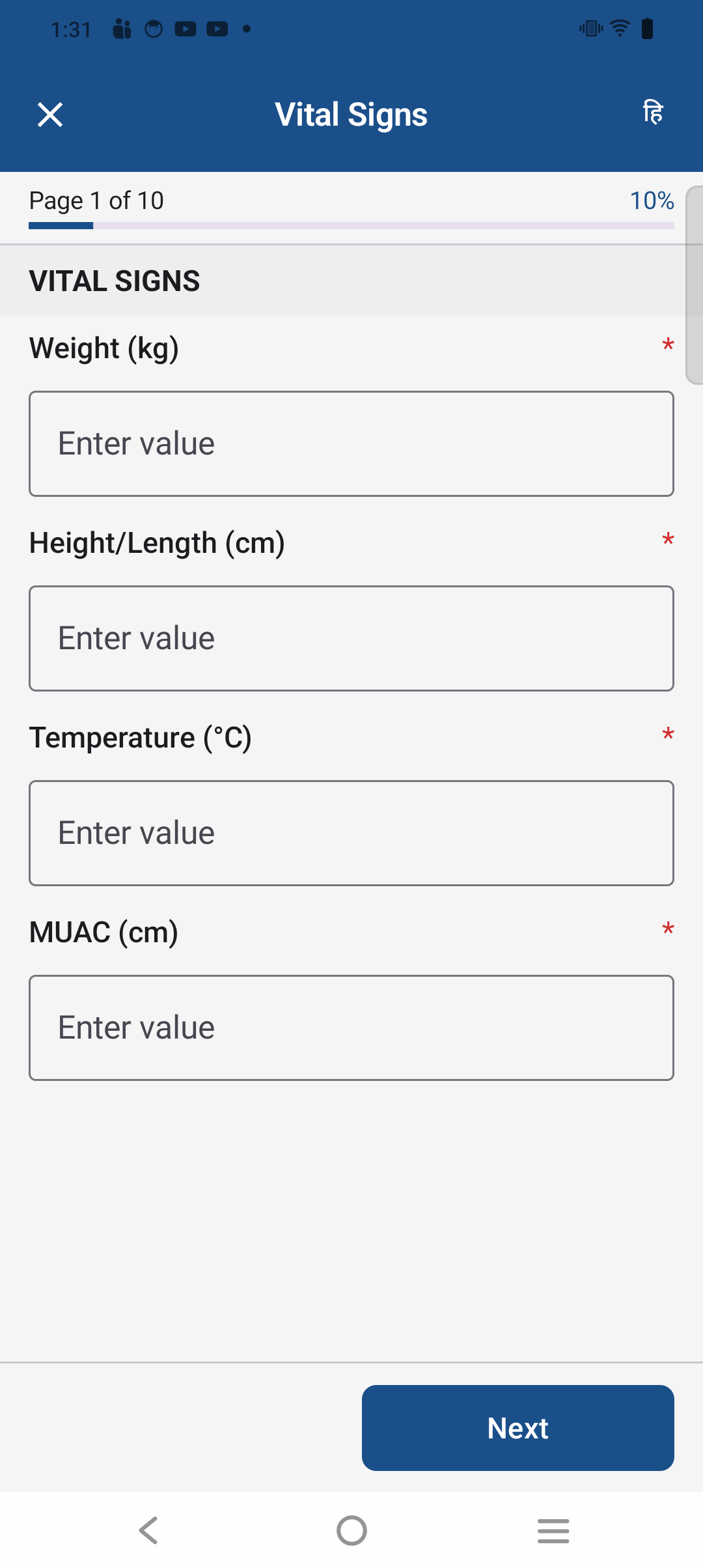
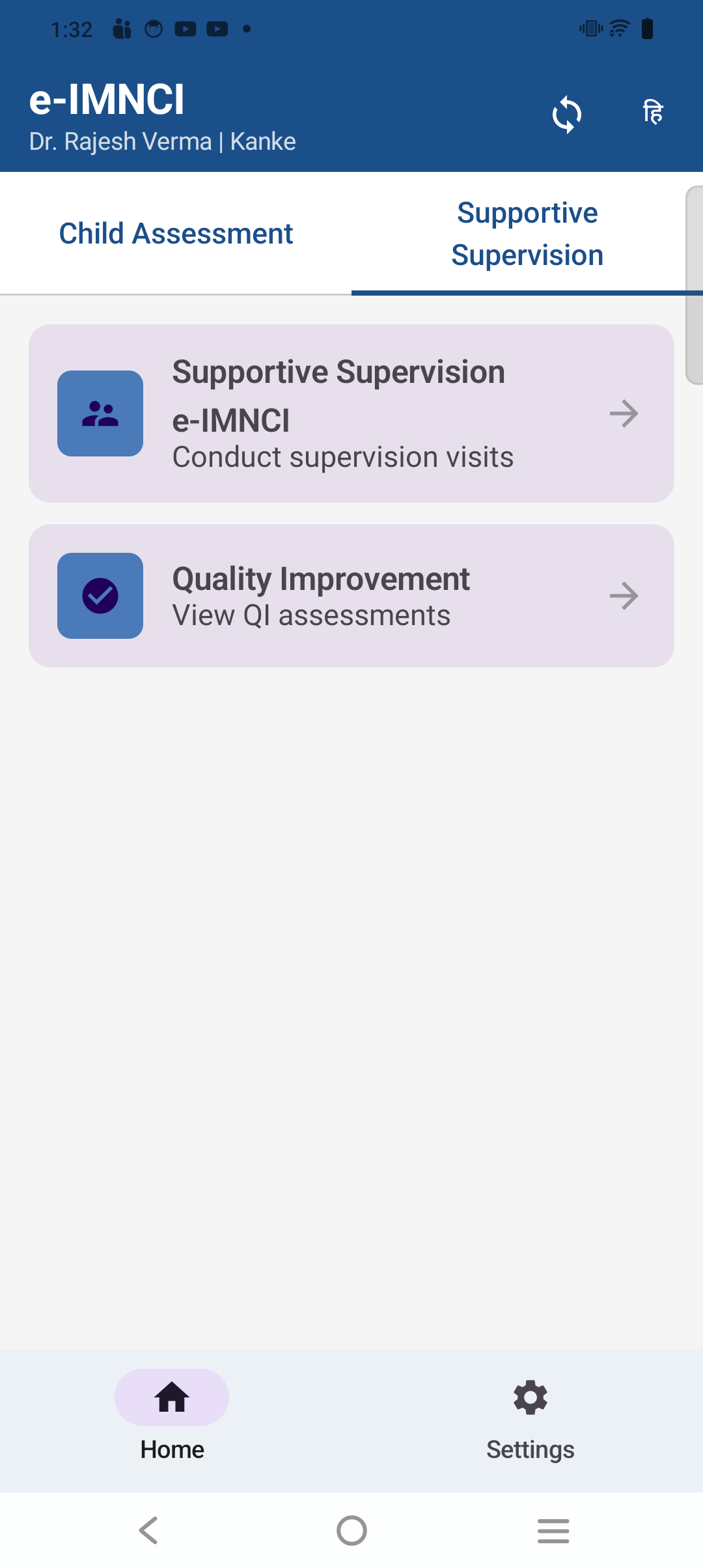
Phone Screenshots (5 screens)
Store Listing Copy
Loading store listing…
Privacy Policy
Required: The Play Console listing requires a publicly accessible privacy policy URL. Confirm with DevOps/legal that this policy is published and the URL is entered in the store listing before submission.
Loading privacy policy…
Content Rating & Data Safety
Action required in Play Console: Complete the Content Rating questionnaire (IARC) and the Data Safety section for the e-IMNCI listing. Guidance and the required answers are in the DevOps Handover above — search for "Content rating" and "Data safety". Neither can be auto-filled; a human publisher must submit these forms in the Play Console UI.
Play Store Asset Bundle — Caregiver App
PendingAssets to be produced — awaiting production
- App icon — 512 × 512 px PNG (adaptive icon safe-zone must be respected)
- Feature graphic — 1024 × 500 px PNG/JPG
- Phone screenshots — minimum 2, recommended 4–8 (portrait, 16:9 or device-frame)
- Store listing copy — short description (80 chars), full description (4 000 chars), app title
- Content rating questionnaire answers — complete IARC form in Play Console
- Data safety answers — document data collected, shared, encrypted, deletable
- Privacy policy URL — must be publicly accessible before submission
Once assets are ready, copy them to
public/assets/playstore/caregiver/ and update this page to display them.